
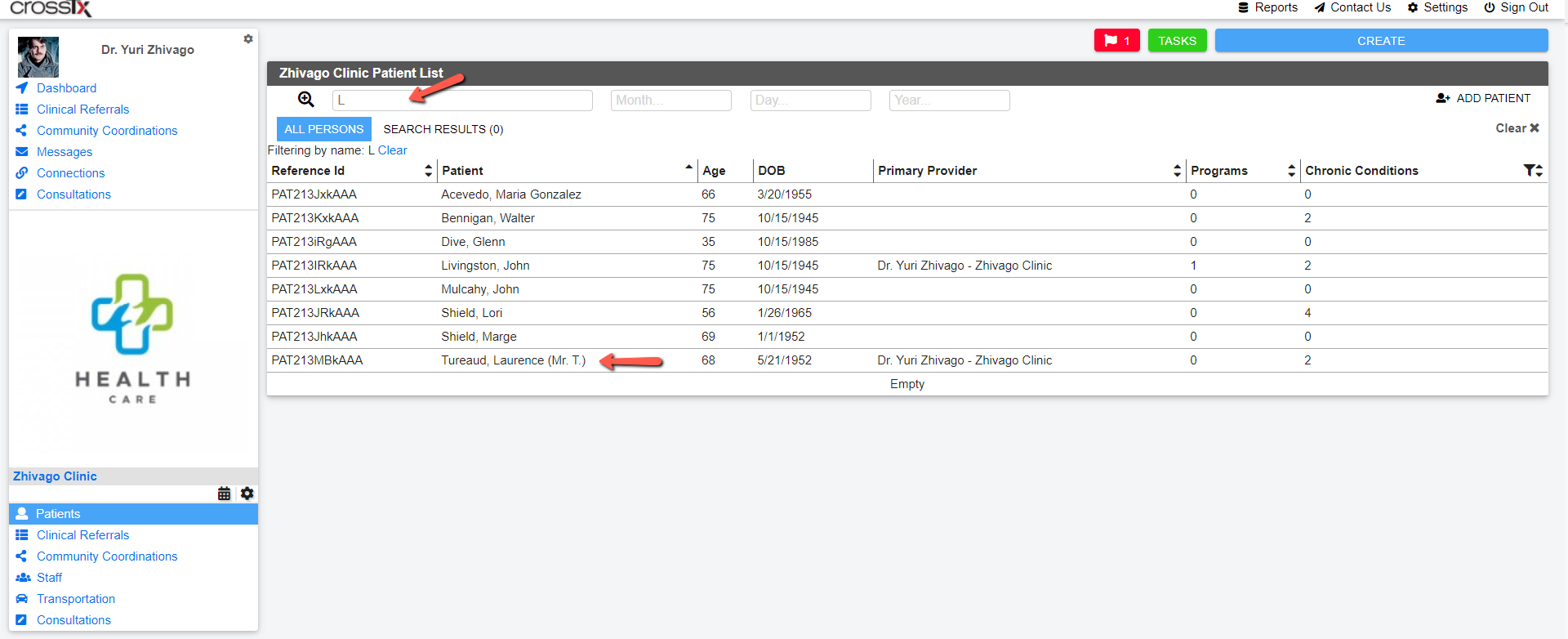
You can easily access a Patient's profile by clicking on your org card, typing the patient's name in the search box, and then clicking on the patient's name from the list.
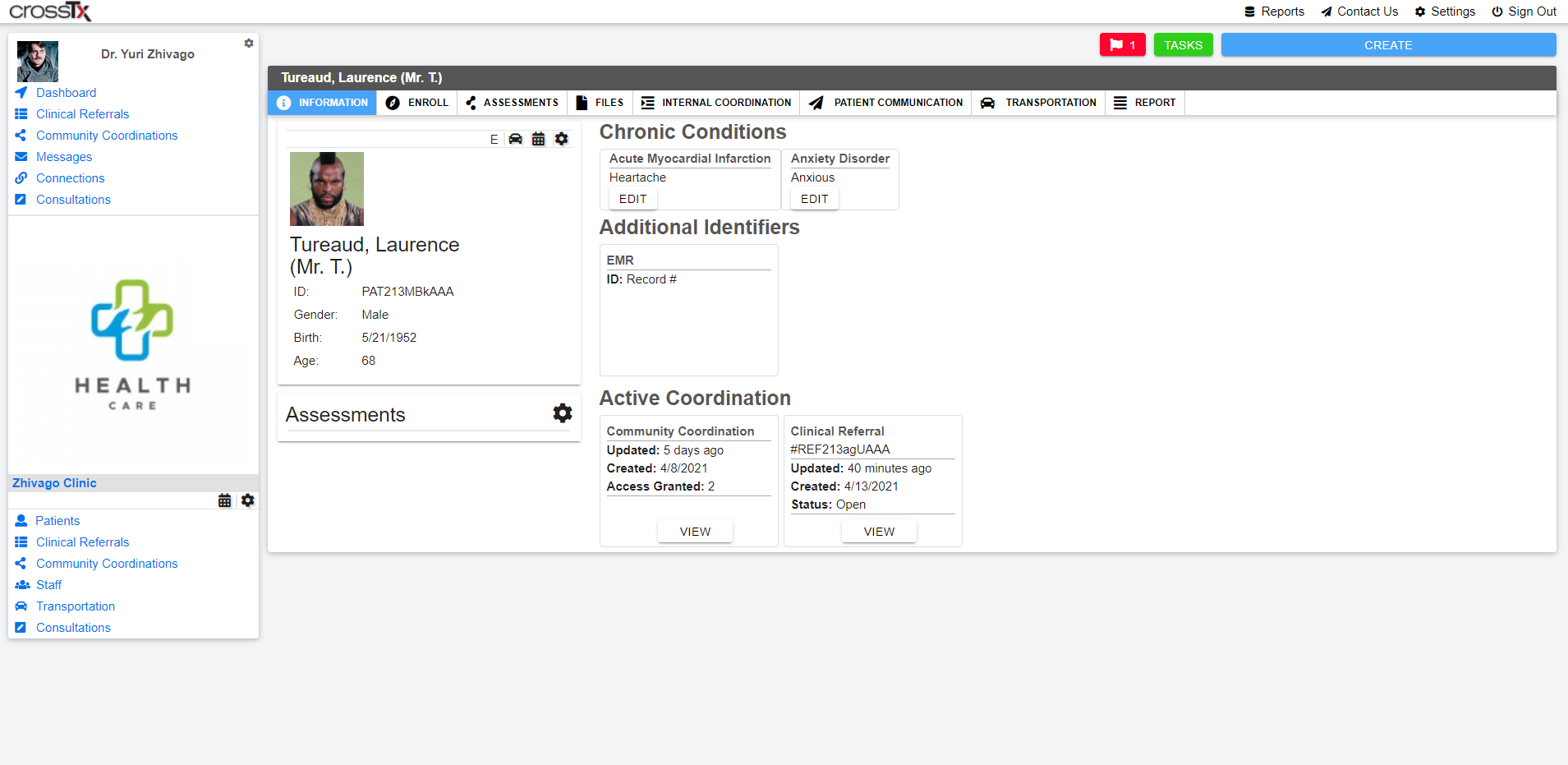
You are automatically taken to the patient's root Profile. From here you can access all activity for the patient as well as be presented with Chronic Conditions and Additional Identifiers.
Comments
0 comments
Please sign in to leave a comment.