
To conclude a Clinical Referral open the referral, scroll down to the Activity Box, and click the Conclude icon.

Type or paste the results of the Clinical Referral in the Outcome Report box then click either the Not Complete button or the Complete button as appropriate.
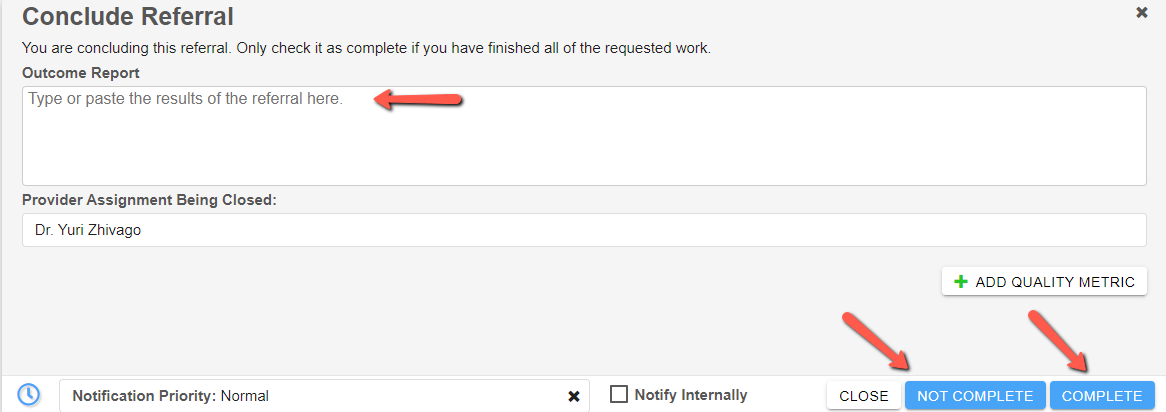
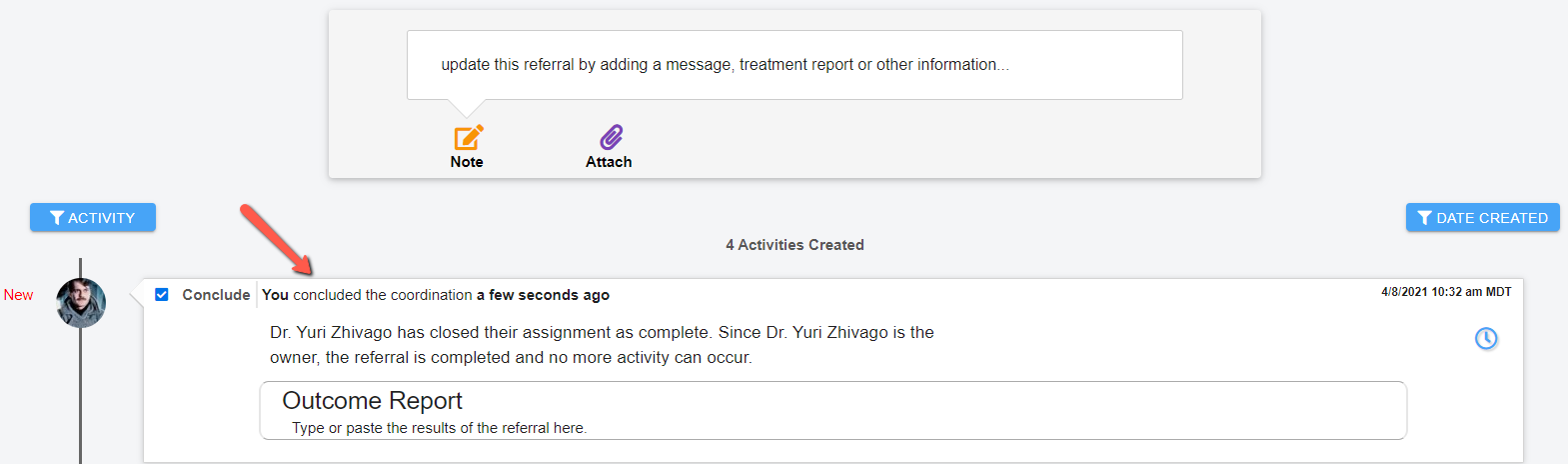
The other party(s) on the referral will be notified by non-PHI email that a referral has been concluded or reject that it has been concluded with a request for additional information prior to accepting the referral has been concluded. The Outcome Report will also show in the Activity Feed of the referral and only notes and attachments can be added to the concluded referral.
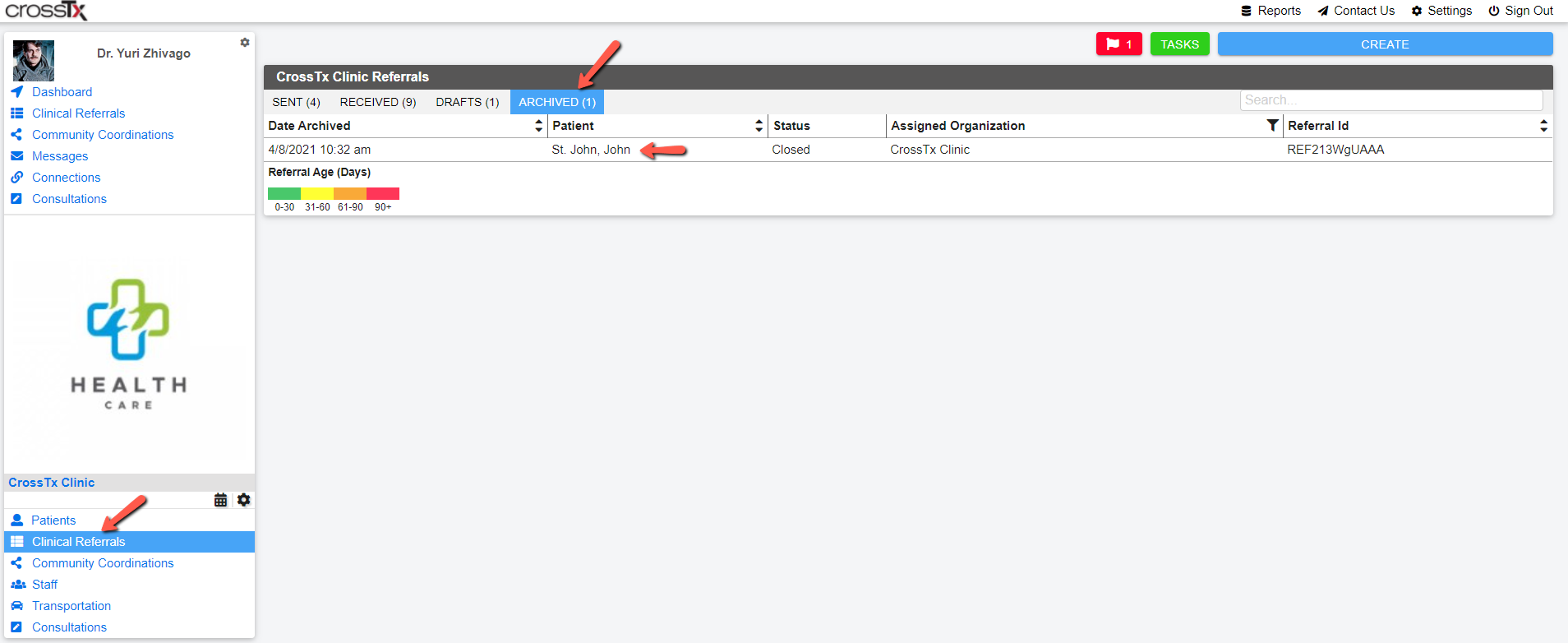
The concluded Clinical Referral will now be available for you in the Archived tab of Clinical Referrals.
Comments
0 comments
Please sign in to leave a comment.